
Move Murudo to a new phone
Install Murudo on the new phone and log in the same way as before. What comes with your account, what to set up again, and what to do with the old phone.
- Android app
- Murudo Web
There is nothing to transfer. Your account is kept by Murudo, not on your phone, so you install Murudo on the new phone and log in the same way you did before.
Before you switch
On the old phone, while you are still logged in:
- Open Profile, Settings, Account and security and read Email address, so you know which email is on your account.
- Make sure you know how you log in: Google, an email and password, or a username and password.
On the new phone
- Install Murudo from the same place as before: Google Play or murudo.co.
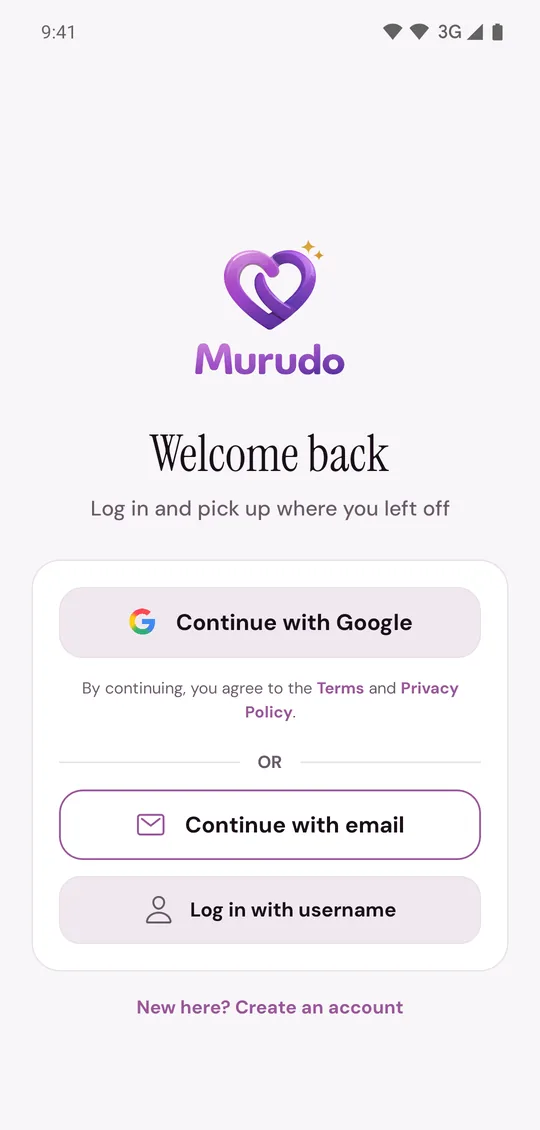
Open Murudo, tap Sign in and choose the method you signed up with.
- Allow notifications and location when you are asked.
If Murudo asks What's your first name?, you are in a new, empty account. Tap Log out and log in with the right method.
What comes with your account
- Your profile, photos, prompts and Verified badge.
- Your matches, chats and likes.
- Murudo Premium, a Forever plan and boosts paid for through Paynow. There is nothing to restore.
- A pass bought through Google Play. Sign in to Google Play on the new phone with the Google account that paid. If your plan does not show in Murudo, use Restore Google Play: see Restore a purchase on a new phone.
What to set up again
These are kept on the phone, not in your account:
- The app lock and dark mode.
- Max Distance and Age Range in Match Preferences, the advanced filters, and metres or feet for heights.
- Android's permissions for notifications, location and the camera.
Moving from Android to an iPhone
There is no Murudo app in the App Store. On an iPhone you use Murudo Web: add Murudo to your Home Screen, then log in the same way. Your plan stays on your account, and on the iPhone you pay through Paynow. A pass that renews through Google Play keeps renewing until you cancel it in Google Play.
The old phone
- Before you sell it or give it away, open Profile, Settings and tap Log out.
- If it is lost or stolen, change your password. That logs out every other phone and browser. If you sign in with Google and have no Murudo password, Add password does the same. If you saved a passkey on that phone, also remove it on Murudo Web under Settings, Account, Passkeys.
- Removing the app does not delete or hide your account. See Reinstall Murudo without losing your account.
Updated 13 October 2026