
Install the Android app downloaded from murudo.co
No Google Play on your phone? Download the Murudo Android app from murudo.co, open the file and tap Install. It is about 60 MB.
- App from murudo.co
If your phone has no Google Play, download the Android app straight from https://murudo.co/, open the file and tap Install. The file is called murudo-android.apk and is about 60 MB. It is the same Murudo.
Download and install
- On your Android phone, open https://murudo.co/ in Chrome or your normal browser.
- Tap Download the Android app directly. You can also scroll to the bottom of the page and tap Download for Android.
- Wait for the download to finish. Use Wi-Fi if your data is low.
- Open murudo-android.apk from your browser's downloads or from the download notification.
- Tap Install. If your phone asks, allow installs from your browser, then tap Install.
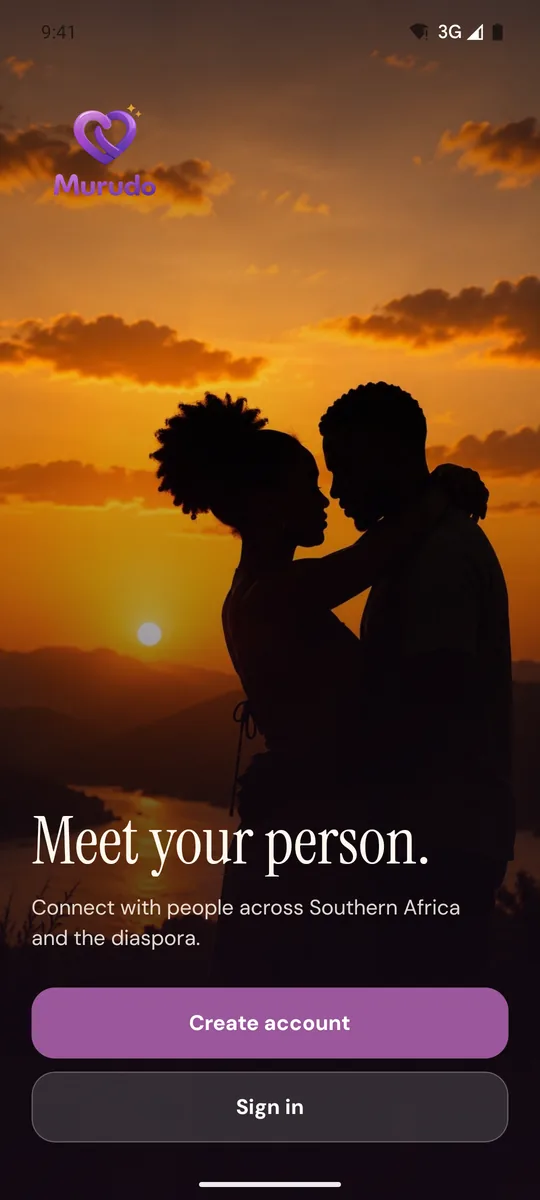
Open Murudo. You will see Meet your person. Tap Create account if you are new, or Sign in if you already have an account.
Next: Create your Murudo account.
Paying in this version
This version pays through Paynow: EcoCash, OneMoney, InnBucks, or a card or bank. Passes never renew by themselves. See Pay with EcoCash.
Updates
Small updates arrive by themselves when you open the app. For a new version of the app itself, download the file from https://murudo.co/ again and install it over the one you have. See Update Murudo to the latest version.
If it will not install
- You already have Murudo from Google Play: the downloaded file cannot install over the Google Play app. Keep the Google Play app. See Google Play or the direct download: which one?
- The download did not finish: delete the file, check your connection and download it again.
- Your phone has no space: free some space and try again.
- It still will not install: use Murudo Web in your browser instead. It needs nothing installed.
Updated 13 October 2026