
Your first day on Murudo
A short tour of the six tabs, Daily, For You, Meets, Likes, Matches and Profile, and the five things worth doing on day one.
- Android app
- Murudo Web
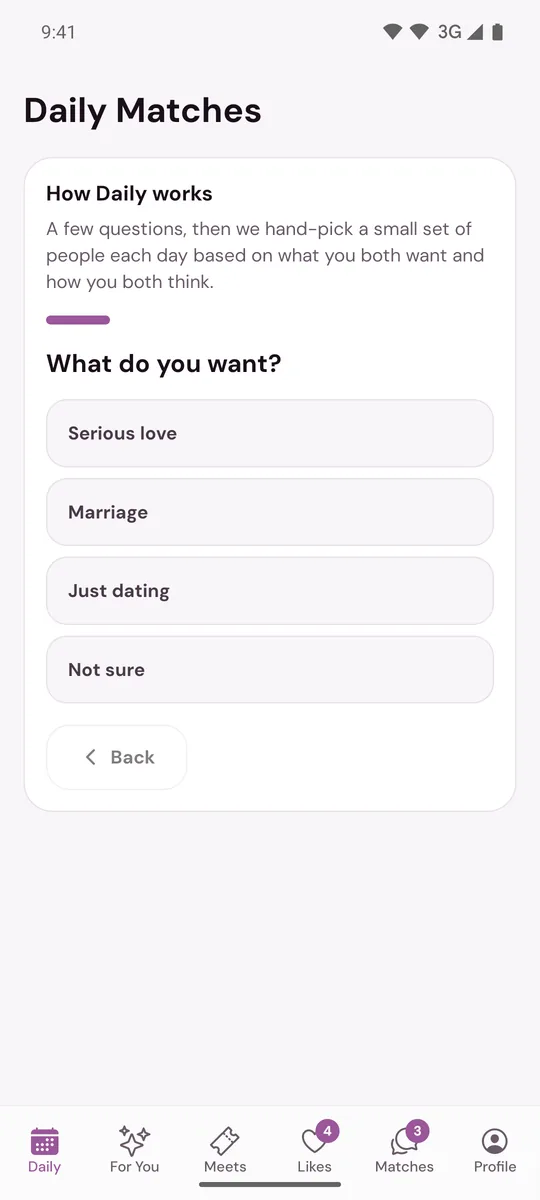
When your profile is finished, Murudo opens on the Daily tab. Answer the Daily questions first, then look through For You. The bar at the bottom has six tabs, and this page says what each one is for.
Five things to do first
Answer the questions in Daily. You only do this once, and it is how Murudo chooses your introductions.
- Open For You and like a few people you would really want to meet.
- Get the Verified badge. Open Profile and, if it says Not verified, tap it. It takes one selfie. See Get the verified badge.
- Check who you will be shown. In For You, tap the sliders icon at the top to set your distance and age range. See Set your distance, age range and who you want to date.
- Allow notifications, so you know when someone matches with you or writes to you. See Turn Murudo notifications on or off.
The six tabs
Daily
A small set of introductions chosen for you each day. On each one, tap Reach out if you are interested or Not for me if you are not. New introductions come the next day. See How Daily works.
For You
More people to browse, one profile at a time. Scroll down to read the whole profile, then tap the heart to like or the X to pass. If you like someone who has liked you, it is a match.
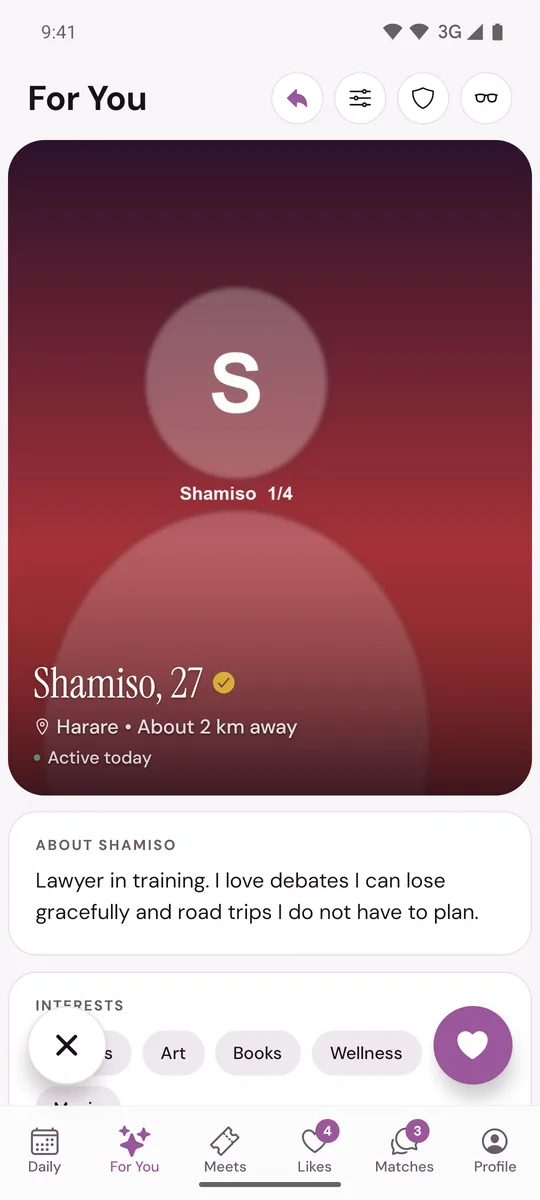
A free account has a set number of likes each day, and it resets daily. See Like or pass on someone.
Meets
Official Murudo events that you can book a place at. See What is Murudo Meets?
Likes
Liked You shows the people who liked you. You Liked shows the people you liked who have not answered yet. See See who liked you.
Matches
Your matches and your chats. Tap a match to write to them. A new chat suggests a few opening lines under Break the ice. See Send your first message.
Profile
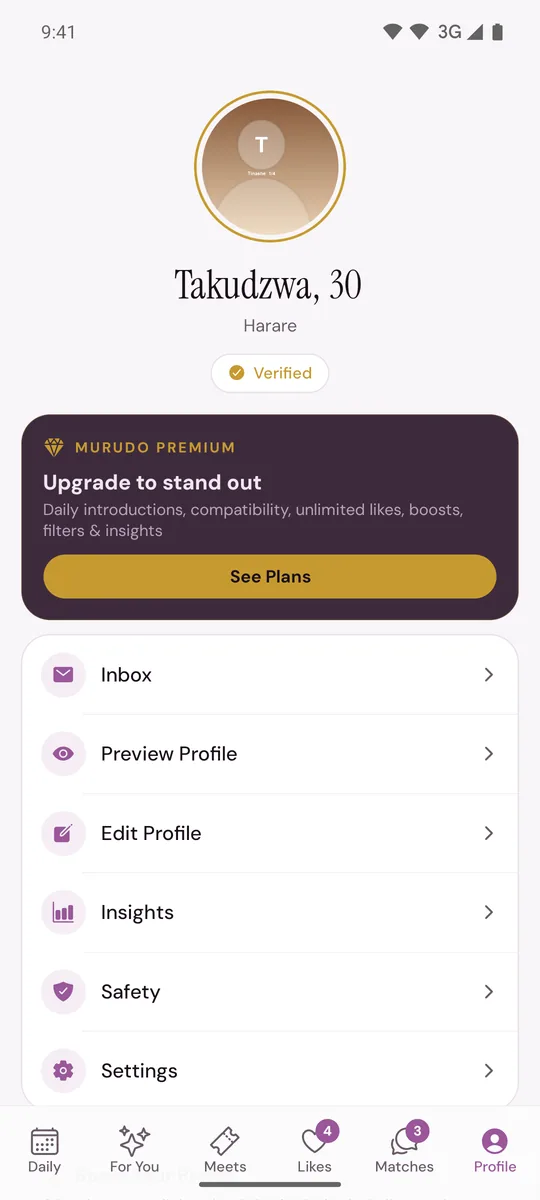
Your own profile, Murudo Premium, your Inbox for messages from Murudo, Preview Profile, Edit Profile, Insights, Safety and Settings.
On Murudo Web
Murudo Web has the same six tabs. For You is called Discover there, and it comes first in the bar. Notifications are turned on in a different place: see Get notifications on Murudo Web.
Updated 13 October 2026