
Log in to Murudo
Log in with Google, your email and password, or your username, using the same method you signed up with.
- Android app
- Murudo Web
Log in the same way you signed up: with Google, with your email and password, or with your username and password. Your profile, matches and Premium belong to that one account, so use the same method every time.
Log in on the Android app
Open Murudo and tap Sign in.
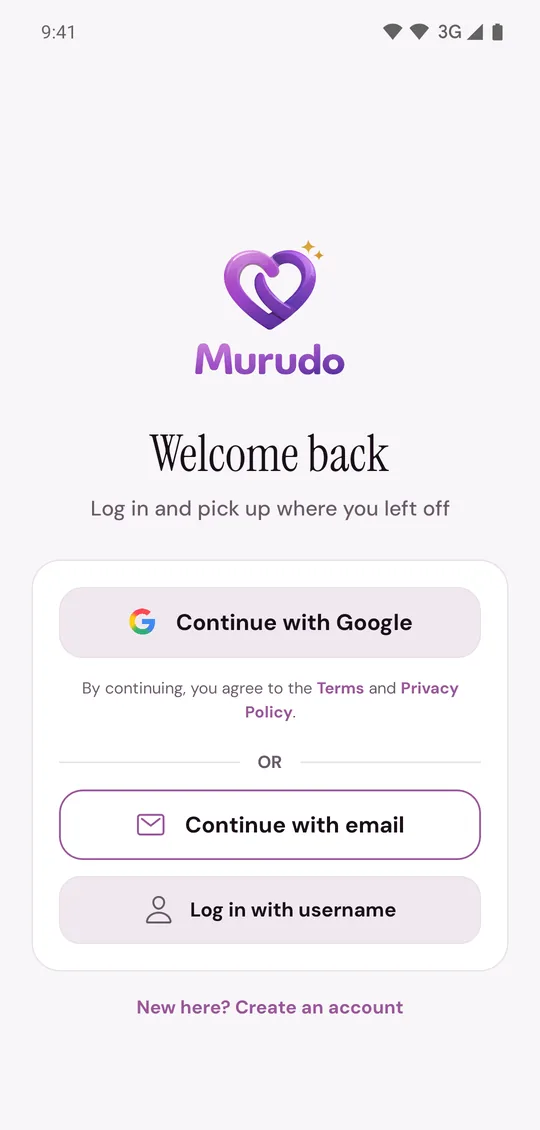
Tap the way you signed up:
- Continue with Google, then choose the Google account you use for Murudo.
- Continue with email, then enter your email and password and tap Log in.
- Log in with username, then enter your username and password and tap Log in. This is only for accounts created without an email.
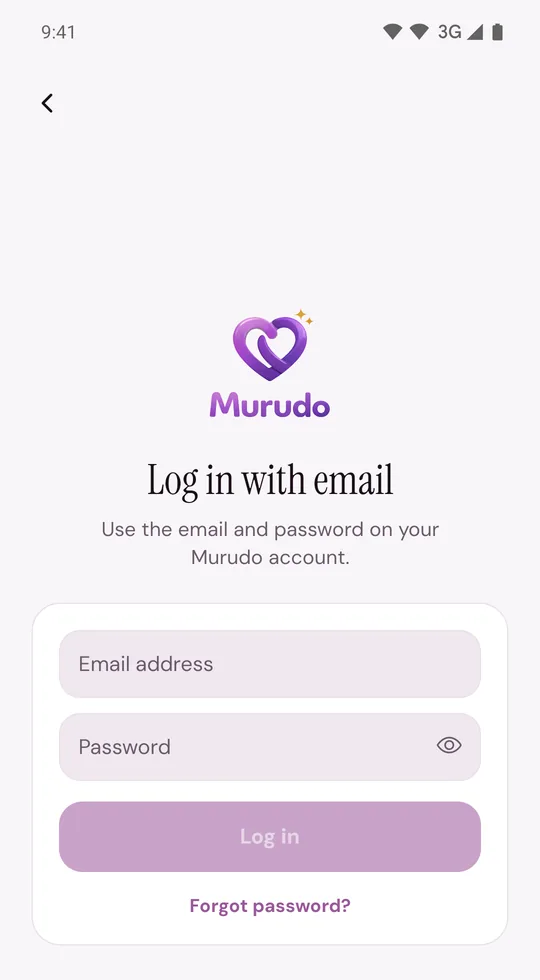
On Murudo Web
- Open murudo.co/app. If you see the welcome screen, tap Sign in.
- Use the Google button, Continue with email or Log in with username, then tap Log In.
If you saved a passkey for your account on Murudo Web, you can tap Continue with passkey instead.
The same account works in the Android app and on Murudo Web, so you can use both.
If it does not work
- Incorrect email or password: check for a typing mistake, then reset your password. If you signed up with Google, your account has no Murudo password until you add one, so tap Continue with Google.
- Incorrect username or password: recover your username account with a selfie.
- The app asks What's your first name? instead of opening your profile: you are in a new, empty account, usually because you chose a different Google account. Tap Log out at the bottom and log in with the right one.
- Anything else, including "Account disabled" and "Too many attempts": see I cannot log in.
Updated 13 October 2026