
I forgot my username
Murudo does not show your username after sign-up and cannot send it to you. What a username looks like, where to look for it, and who to ask.
- Android app
- Murudo Web
Murudo does not show your username anywhere after sign-up, in the app or on Murudo Web, and there is no button that sends it to you. You need to remember it, find where it was saved, or ask support to look for your account.
Only accounts made with Sign up with username have one. If you signed up with Google or an email address, log in that way instead.
What a username looks like
- It is 3 to 30 characters long.
- It uses only letters, numbers, underscores and dots. It has no spaces and no plus sign, and it does not start with a dot.
- It is saved in small letters. Capital letters, or an @ in front, make no difference when you log in.
- It is separate from the first name on your profile.
Think about what you would have typed on the day: a nickname, your name with a number after it, or a phone number written in digits only.
Places to look
- Your notes. Look where you wrote down your recovery contact and recovery phrase.
- Saved passwords. If your phone or browser saved your Murudo password, that entry holds the username too.
- A passkey. If you saved one on Murudo Web, tap Continue with passkey at murudo.co/app. You get in without typing a username. See Log in with a passkey on Murudo Web.
- A phone or browser that is still logged in. Do not log out. The username is not shown there either, but you can open Settings, then Account and security (on Murudo Web, Account), and tap Add email. After that you log in with Continue with email and no longer need the username. See Change or add an email address.
Trying usernames
Each wrong try says Incorrect username or password. Murudo does not say which of the two is wrong, so check the password as well.
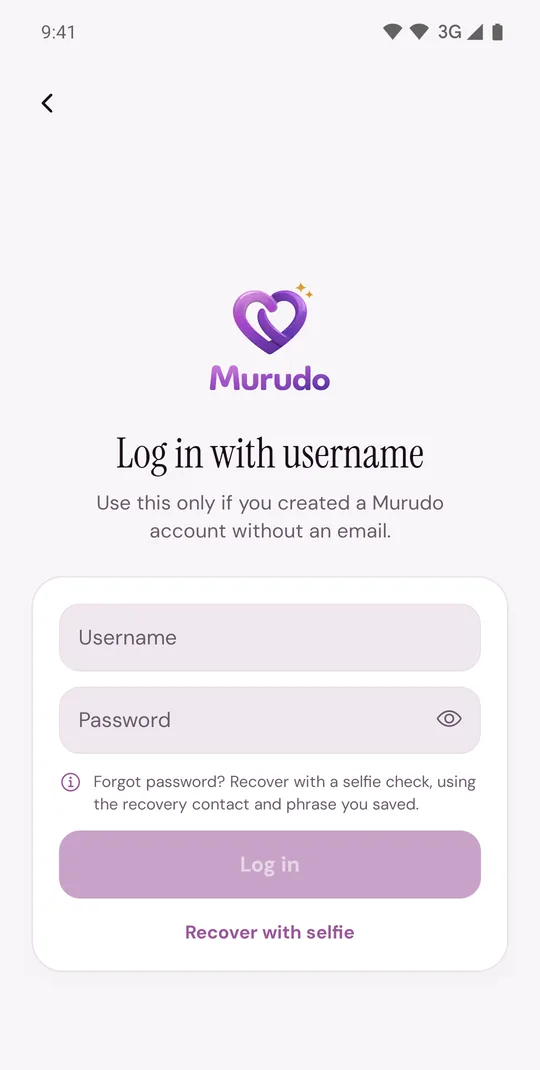
After many tries in a short time Murudo asks you to wait. See "Too many attempts" or "Slow down" messages.
Recover with selfie does not help here. It asks for your username first, so it can replace a forgotten password but cannot find a forgotten username.
Ask support
Email support@foretellhq.com and include:
- the recovery contact you saved at sign-up;
- the first name, age and city on your profile;
- roughly when you signed up, and any username you think is close.
Support may be able to find your account from these and will tell you what is possible.
Updated 13 October 2026