
How For You works
For You shows one profile at a time. Like or pass, and a like from both sides becomes a match. Who appears there and in what order.
- Android app
- Murudo Web
For You is where you browse. It shows one profile at a time: tap the heart to like or the X to pass. When two people like each other it becomes a match and you can chat. On Murudo Web the same tab is called Discover.
What is on the screen
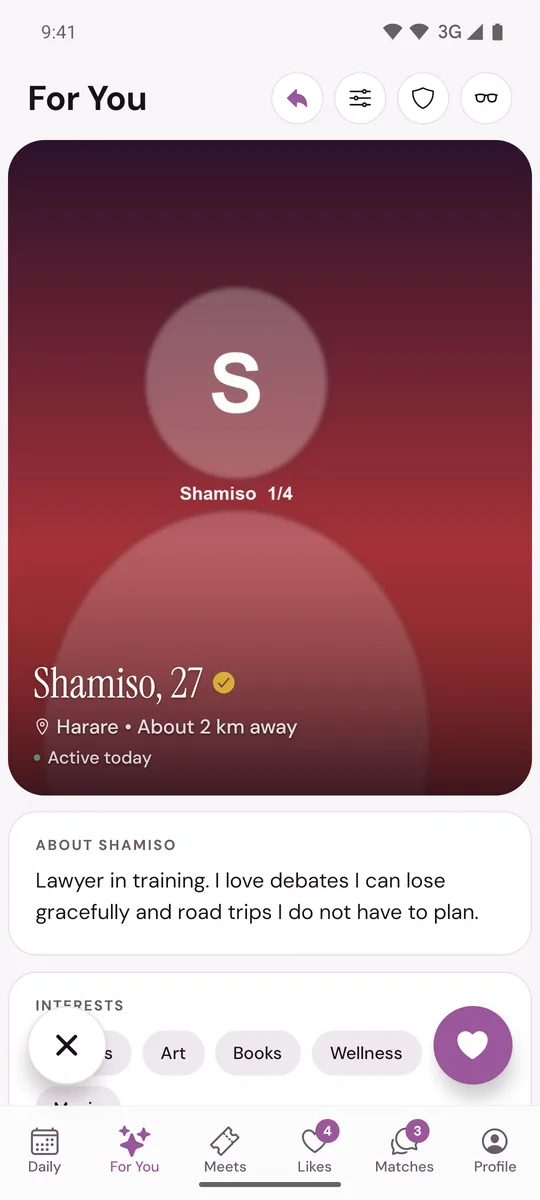
- One profile fills the screen. Scroll down for the rest of the photos, About the person, their interests, prompts and details.
- Two round buttons stay at the bottom: the X on the left passes and the heart on the right likes.
- The icons at the top right are, in order: the arrow for Rewind, the sliders for Match Preferences, the shield to block or report the profile in front of you, and the glasses for Stealth Mode.
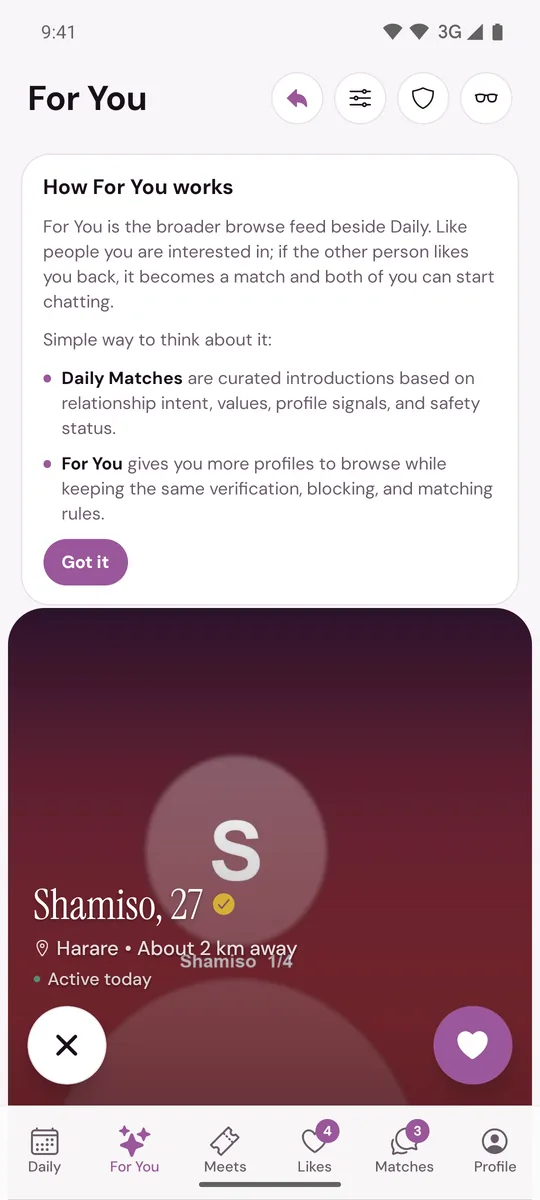
The first time you open For You, a card called How For You works explains the tab. Tap Got it to close it.
Who you see
For You only shows people:
- whose gender you chose under Who You Want To Date, and who chose to date your gender;
- inside your Age Range and, if you set one, your Max Distance;
- with a finished profile, a usable photo and an account that is not paused.
You do not see people you have already liked, people you are matched with, or anyone you blocked or who blocked you. A Gold member using Stealth Mode appears only to people they have liked.
People you passed on can come back later. Profiles you were shown in the last couple of days are held back while there are new people to show you.
The order profiles come in
At the time of writing, the order is roughly this:
- First, people using a boost, for the 30 minutes it runs.
- Then Gold members, then Plus members.
- After that, people who used Murudo most recently. Among people who were active at about the same time, verified profiles come first.
Being shown early does not mean being liked. The profile itself still has to do that.
Likes are limited on the Free plan
Free members have a set number of likes each day. Passing is never counted. See I have run out of likes.
On Murudo Web
Open the Discover tab at murudo.co/app. The buttons and icons are the same as in the app.
Updated 20 October 2026