
Report someone after an unmatch or block
You can still report a member after the match has ended. Use Report a Safety Concern and describe who they are.
- Android app
- Murudo Web
Yes, you can still report them. Once a match has ended you cannot open the person's profile, so go to Profile, Safety, Report a Safety Concern and describe the person and what happened. It does not matter who ended the match.
Report them in the Android app
Open the Profile tab and tap Safety.
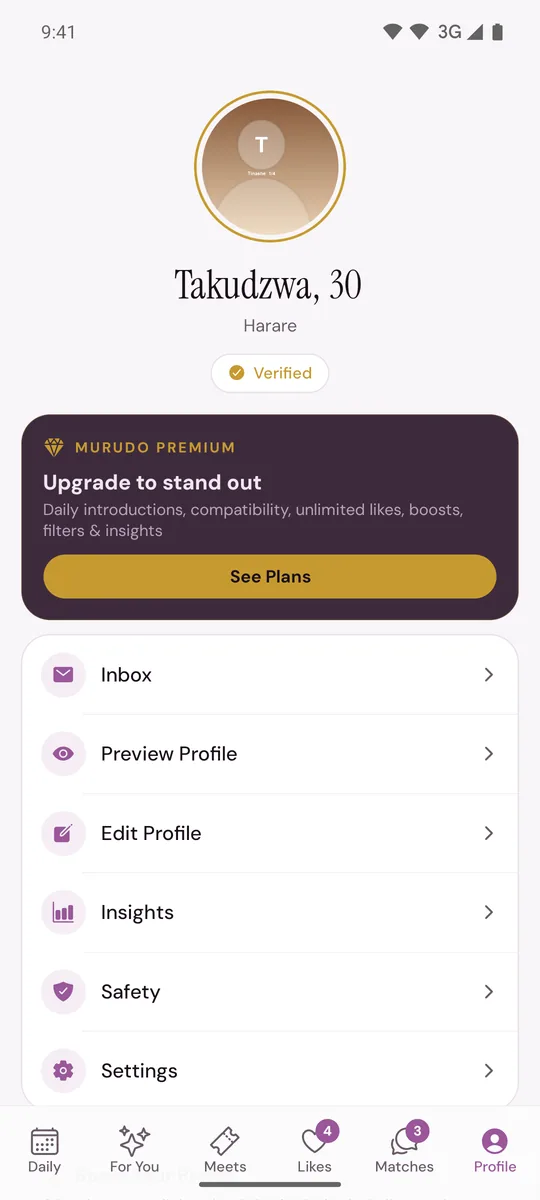
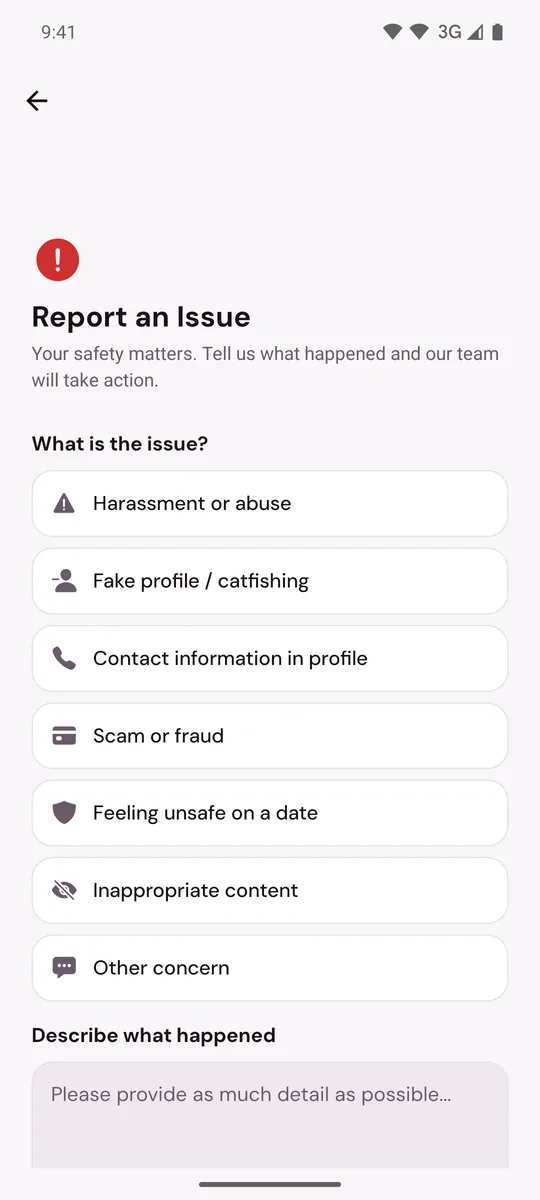
- Tap Report a Safety Concern. The Report an Issue screen opens.
- Under What is the issue?, choose the one that fits best.
Under Describe what happened, give enough for our team to find the account:
- their first name, age and city as shown on their profile
- roughly when you matched, and when the match ended
- who ended it: you unmatched, you blocked, or the chat disappeared
- what happened, with dates if you remember them
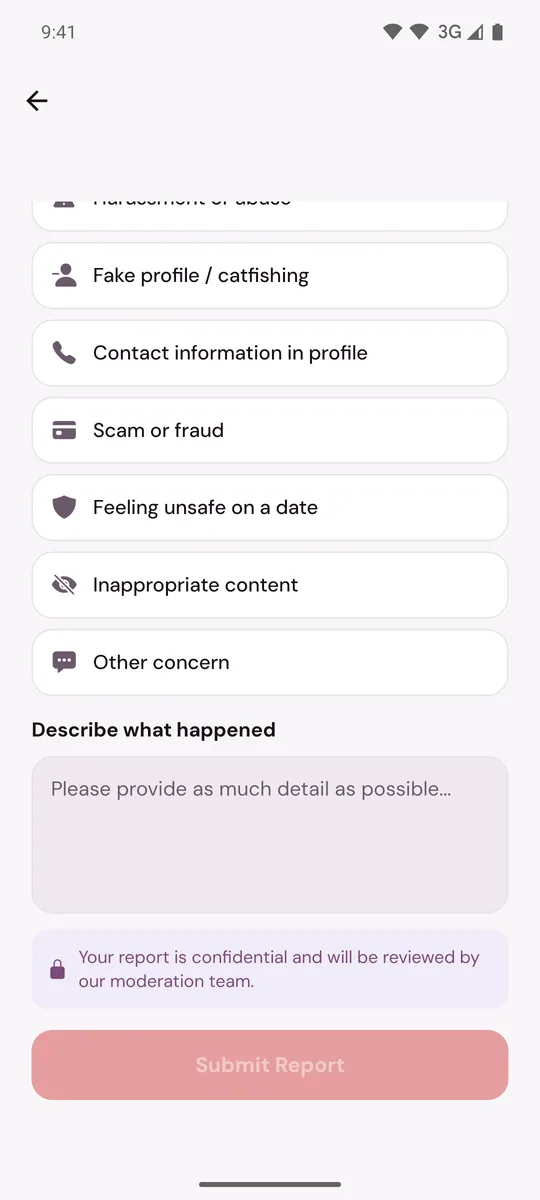
- Tap Submit Report.
On Murudo Web
Open Profile, tap Safety, then SOS Report. Choose a reason under What happened?, put the same details under Details and tap Submit Report.
What happened to the chat
- If you blocked them, the match ended and neither of you can open the chat, but the messages are kept where our team can review them.
- If you or they unmatched, the chat was deleted for both of you. Our team cannot read it, so your description and any screenshots you took are all the team has to go on.
This is why the advice for next time is: report first, then block, and do not unmatch someone you are about to report.
Send screenshots or email instead
A report is text only. If you have screenshots, open Profile, Inbox, Contact Murudo and attach one to your message, or email support@foretellhq.com with the same details as above.
If you are not sure why a chat vanished, see Why did my match or chat disappear?
Updated 13 October 2026