
What is in the Safety Center
Where to find the Safety Center in the app and on Murudo Web, and what each part of it does.
- Android app
- Murudo Web
The Safety Center is one screen with Murudo's date safety tips, a reminder of what to do in an emergency, and the way to report a safety concern. To open it, go to the Profile tab and tap Safety.
Open the Safety Center
- Open the Profile tab.
Tap Safety.
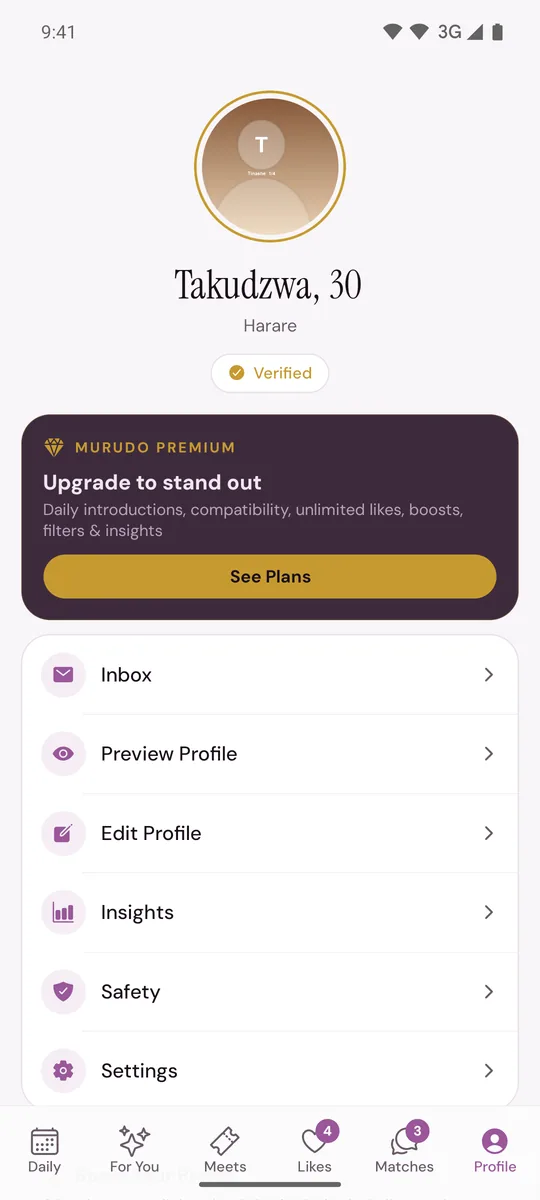
You can also open Settings and tap Safety center.
What you will find
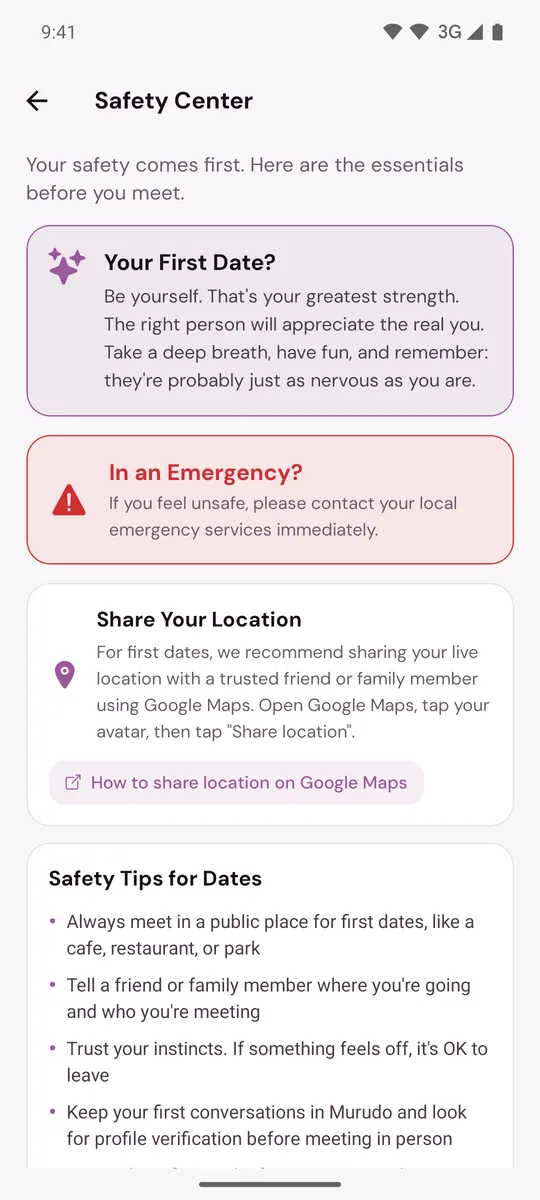
- Your First Date? A few words of encouragement before you meet someone.
- In an Emergency? A reminder to contact your local emergency services if you feel unsafe. It is a reminder only. It does not call anyone.
- Share Your Location. Advice to share your live location with a trusted friend or family member on a first date, using Google Maps. Tap How to share location on Google Maps to open Google's instructions. Murudo does not share your location for you.
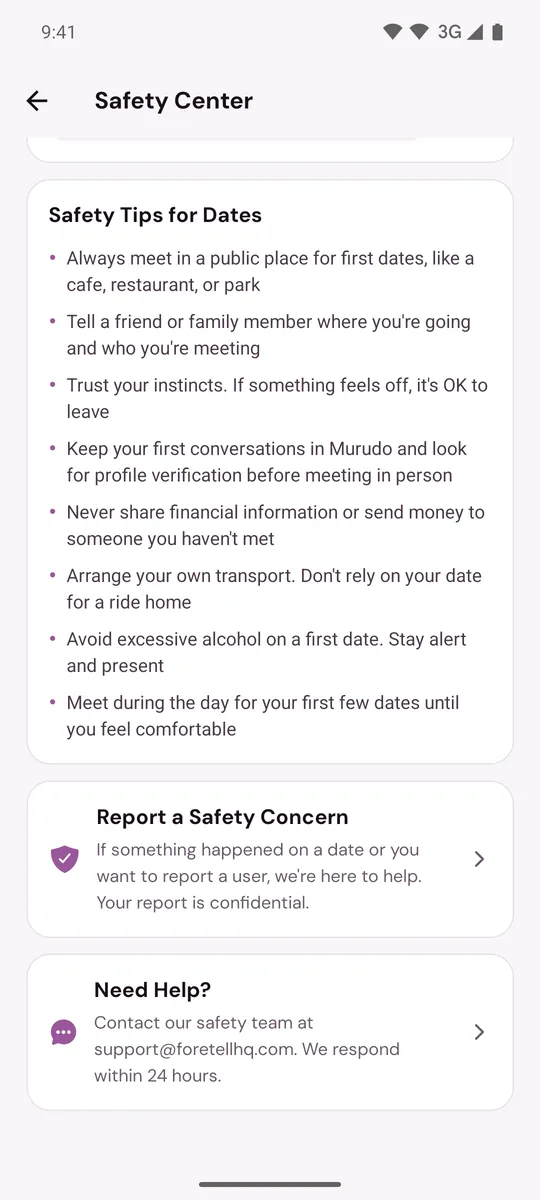
- Safety Tips for Dates. Eight tips, including meeting in a public place, telling someone where you are going, arranging your own transport and never sending money to someone you have not met. They are set out in the First date checklist.
- Report a Safety Concern. Opens Report an Issue, where you choose what the issue is and describe what happened. Your report is confidential. See Report someone.
- Need Help? Opens an email to support@foretellhq.com. The card says the safety team responds within 24 hours.
What it does not have
There is no panic button, no list of emergency contacts and no way to call for help from inside Murudo. In an emergency, contact your local emergency services directly.
On Murudo Web
Open Profile and tap Safety. The web version has two cards:
- Dating Safety Tips, a shorter list of tips.
- Emergency, with the same reminder and an SOS Report button. The button opens a form where you choose a reason under What happened?, add Details and tap Submit Report.
To report a particular person on the web, it is usually better to report from their profile. See Report someone.
Updated 13 October 2026