
Book a place at an event
Open the event on the Meets tab and tap Reserve my place for a free event, or Pay for a ticketed one. You have a place when your status says Going.
- Android app
- Murudo Web
Open the event on the Meets tab, then tap Reserve my place if it is free, or the Pay button if it has a ticket price. You have a place when YOUR STATUS says Going.
Book in the Android app
Open the Meets tab and stay on Upcoming.
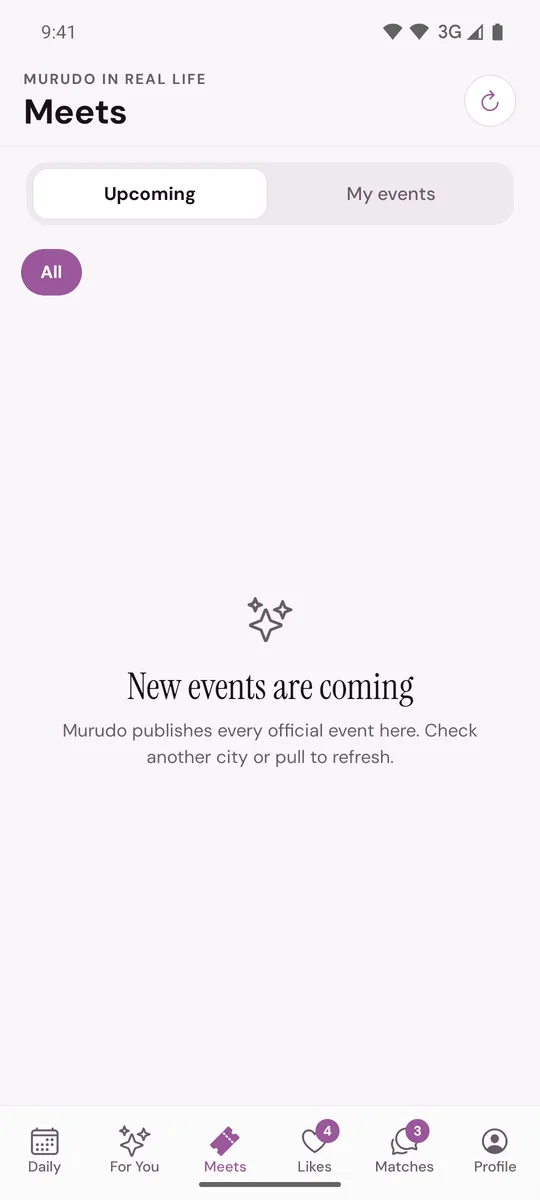
- Tap the event. Check the date and time under WHEN, and the price and places left under YOUR TICKET.
Tap the button near the bottom of the page:
- Reserve my place for a free event. Your place is confirmed straight away.
- Pay followed by the price for a ticketed event. See Pay for an event ticket.
- Join event waitlist if the event is full. See Join an event waitlist.
- When YOUR STATUS shows Going, the venue appears and My QR ticket is ready. See Your QR ticket and the venue.
The event is now also listed under My events. Each member books their own place: you cannot reserve a second place for a friend.
If there is no booking button
A line on the event page explains why:
- Verify your profile before booking an event. Tap Verify profile to book and take the selfie check. See Get the verified badge.
- Complete and activate your profile before booking an event. Your profile is not finished or is not being shown. See Why is my profile not being shown?
- Add your date of birth before booking an event. See Fix your birthday or age.
- Registration for this event has not opened yet. Booking opens at a time set for each event. Check again later.
- Registration for this event is closed. Booking closes at a time set for each event, and always once the event has started.
On Murudo Web
- Open the Meets tab and tap View on the event.
- Tap Reserve included spot for a free event, or Pay followed by the price for a ticketed one.
- A free place shows Your spot is reserved. and the event then shows Going.
Updated 13 October 2026